Use case · Customer experience
Dashboard previewCustomer feedback analysis from public comments
Read public comments under your own posts and group them into product, service and communication themes you can route to an owner.
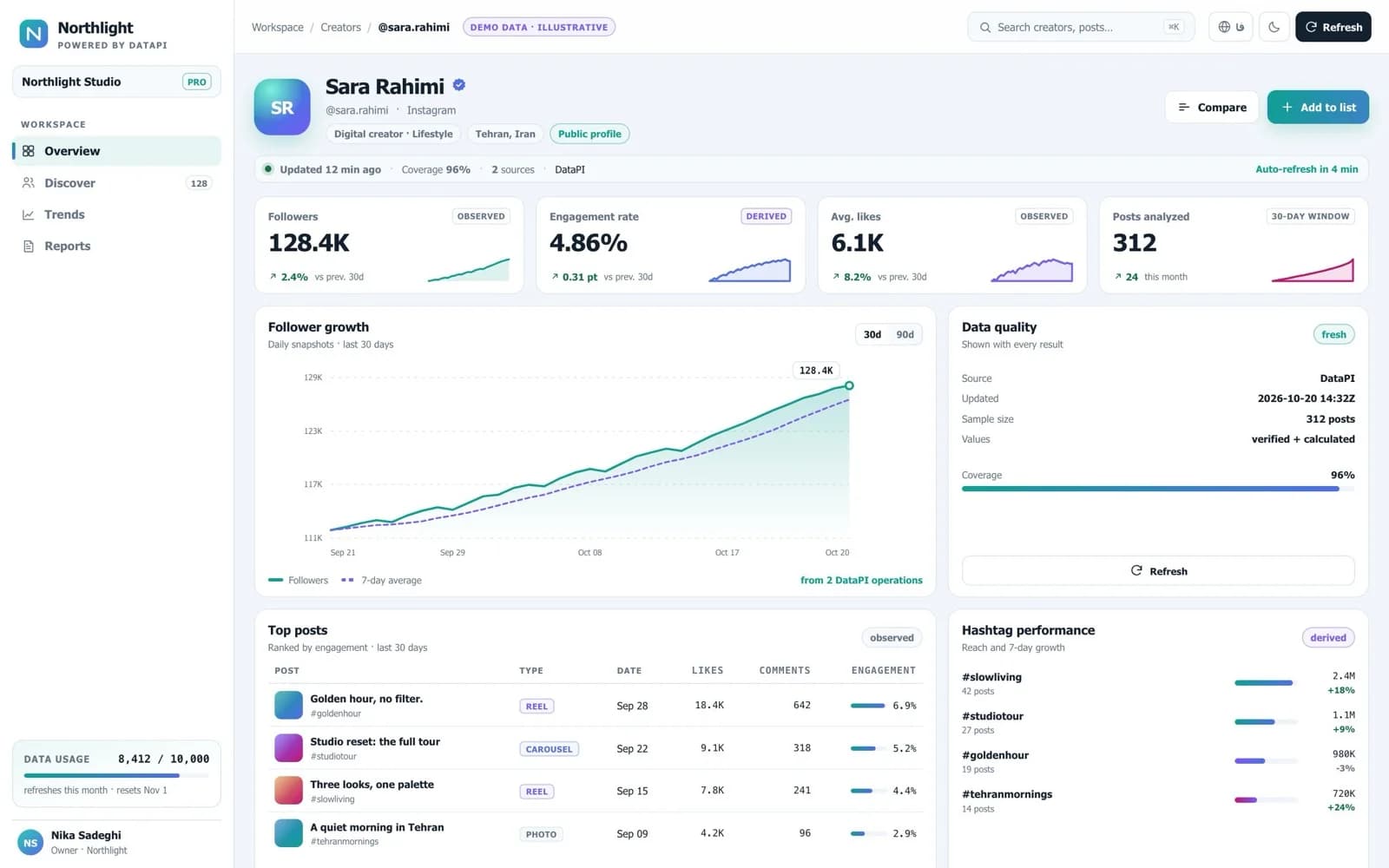
Survey feedback is structured and late; comments are immediate and messy
- Customer experience teams.
- Product managers reviewing released features.
A support ticket records what a customer decided to report. A public comment often records what they said to other people, which can be more candid and more specific about expectations.
Grouping comments by theme gives product and service teams a usable signal, provided the raw comments stay attached and the sample is not overstated.
Capabilities
Where this topic leads
Follow the relationship that matches the question you are trying to answer.
How it works
- 01
Collect the comments
Gather public comments under the relevant posts for a defined window.
- 02
Group and prioritise
Cluster by theme, then rank by repetition and business impact, not volume alone.
- 03
Route and re-check
Assign each theme to an owner and repeat the review after the fix.
What changes for your team
- Feedback that reaches the right team.
- A measurable follow-up after release.
- Public evidence for a product decision.
- Only public comments are visible; private support conversations stay out of scope.
- People who comment are not representative of all customers.
Frequently asked questions
No. Tickets are the authoritative record of a request. Public comments are a complementary signal for themes and expectations.
The API and analytics behind this use case
Each metric family links to its definition, formula and limit in the glossary, and each endpoint to its contract page. These are the paths this workflow actually travels.
Related pages
- Social Intelligence workspaceProducts
- Evidence tables behind every metricFeatures
- For product teams that need evidence after a releaseSolutions
- Social listening that keeps the evidence attachedUse cases
- E-commerce product research from public complaints and demand signalsUse cases
- Give a communications team context before it respondsUse cases
Run one operation and check the coverage
Sign in with a one-time code, create a credential and call the catalog. Plans are monthly, and there is no checkout on this site.