Product · Available now
DataPI Console
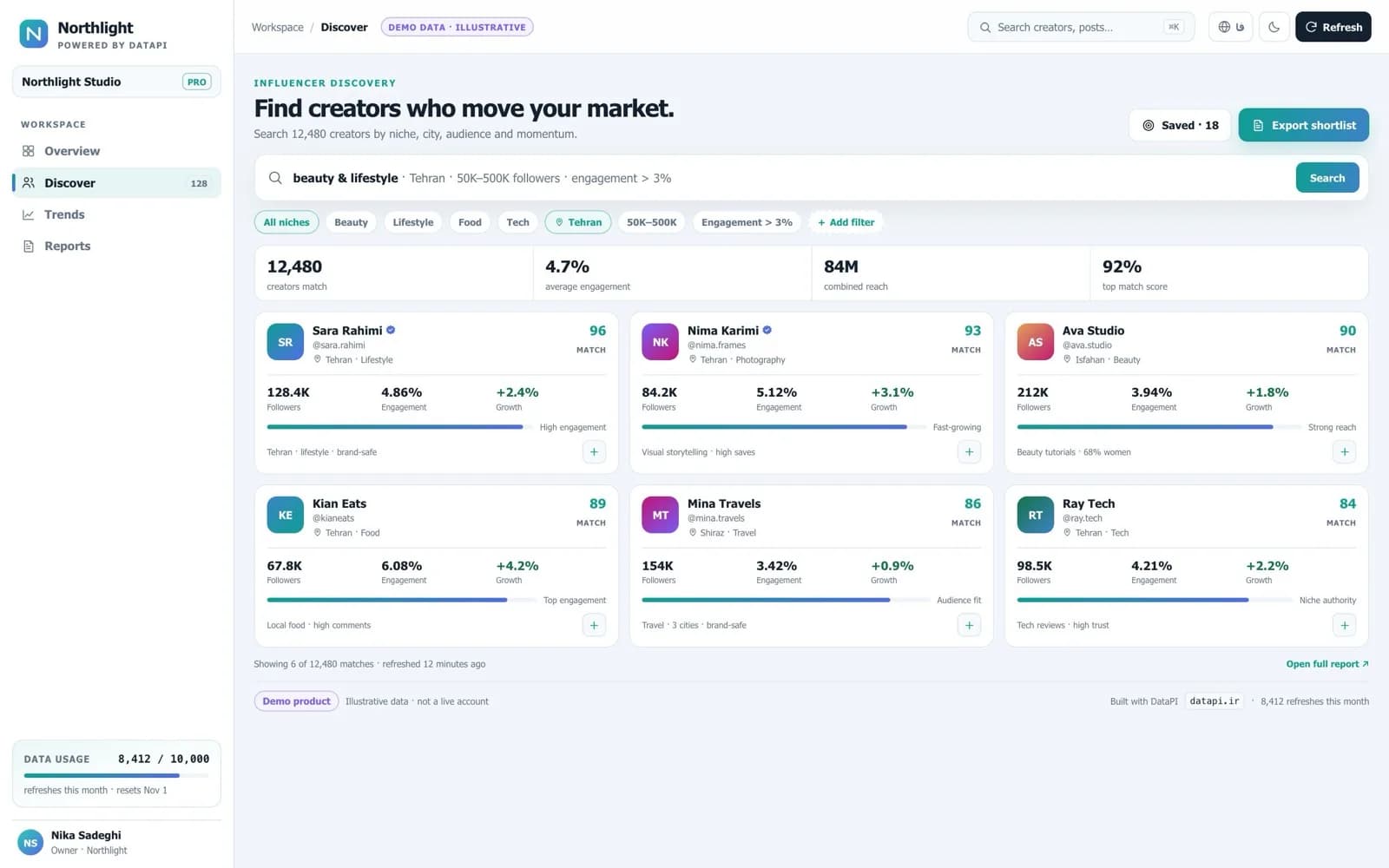
The signed-in workspace where a team registers with an SMS one-time code, creates API credentials, reads its request history and checks which operations are callable today.
Credentials and visibility are usually an afterthought
- Teams evaluating the API before building an integration.
- Operators who manage credentials and audit request history.
- Analysts who need a quick, documented way to run an operation.
An API is hard to adopt when the first task is provisioning access, the second is guessing which endpoint works, and the third is searching logs when a request fails.
The console puts those three tasks in one place. Registration uses an SMS one-time code instead of a password, credentials are workspace-scoped, and every submitted request keeps an identifier you can correlate with support.
Capabilities
Where this topic leads
Follow the relationship that matches the question you are trying to answer.
How it works
- 01
Sign in
Enter your mobile number, receive a one-time code, and open the workspace.
- 02
Create a credential
Name a token for the environment that will use it and copy the secret immediately.
- 03
Run and review
Submit an operation, read the result, and use the request ID when you need support.
What changes for your team
- Access is provisioned in minutes without an email thread.
- Credential rotation is a visible, reversible action instead of an incident.
- Support conversations start with a request ID both sides can look up.
- The console is an operations surface, not a full BI tool: dashboard analysis lives in the Social Intelligence workspace.
- One owning account per workspace in the current release; team roles and granular permissions are planned.
- A public demo sign-in mode exists for evaluation only and is never enabled in normal production.
Frequently asked questions
No. Sign-in and registration use an SMS one-time code. Keep your mobile number current because it is the account recovery path.
No. The secret is shown once. Create a new credential and revoke the old one if it was lost.
No. Application routes are excluded from indexing; only the public marketing pages are meant to appear in search.
Run one operation and check the coverage
Sign in with a one-time code, create a credential and call the catalog. Plans are monthly, and there is no checkout on this site.